Employee Holiday Days
Scope
At the "Employee Holiday Days" section at "Employees" you can manage the annual leave on an employee basis.
Where to edit
At the left menu, click on "Employees" and then on "Employee Holiday Days". Here you can see a list with all your employees and a quick overview of the annual leave entitlement (days) and annual leave taken (days), per employee, and per year.
Employee > Employee Holiday Days > Edit.jpg)
Edit annual leave of an employee
The annual leave that is configured at the "Calendar Events> Holidays" section is applied by default to all the employees of a business, but employers can configure the annual leave per employee when needed.
If an employee is entitled to a different annual leave, click on the Edit button of the employee at the list.
At the window, insert the specific number of days of allowance for the employee at the "Number of Holidays" field.
Edit annual leave for an employee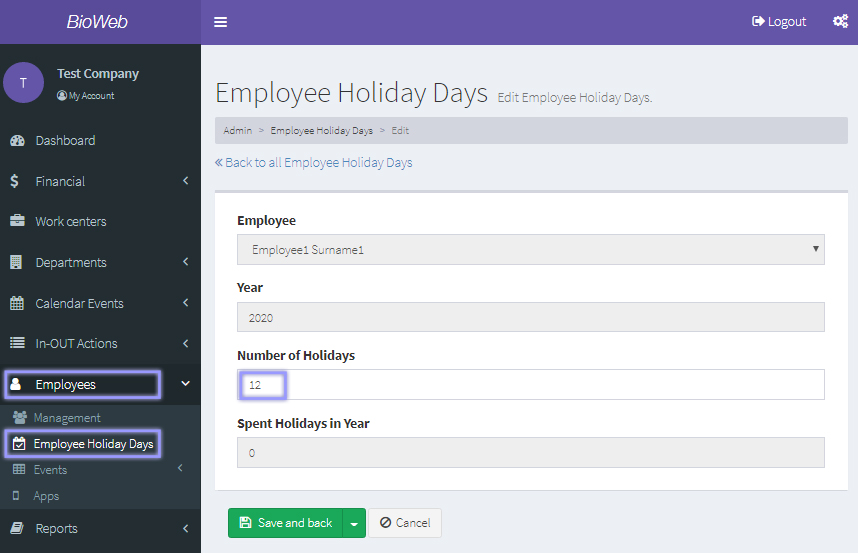
When you have finished, click on the "Save and back" button.